Make it easy for users to access your PDF files with just one
scan. Include anything from brochures and manuals to forms and guides, so everyone can
instantly view or download them on any device.
Direct users to your latest video content with an updatable QR
code—link to or upload your video, and easily update it whenever you publish on YouTube or
other platforms.
Enable users to contact you in the blink of an eye by
generating a QR code to share your WhatsApp phone number and a prefilled message. Great for
business or personal use!
Elevate your Facebook presence with a QR code that leads to a
dedicated landing page featuring a photo and key details about your Facebook page, plus a
button that takes them straight to your profile.
Our platform allows you to generate QR codes that direct users to the data of
your choice. When users scan your codes on their smartphones, they’ll
automatically access your website, contact information, social media pages, or
other info.
How can I download my QR code?
It’s easy to save your custom QR codes from your user dashboard. You can
download the codes in high-resolution JPG, PNG, and SVG file formats.
Do I need technology skills to create QR codes?
We make it as simple as possible to generate dynamic QR codes, with no design
experience required! All you need to do is choose how you want your codes to
look and what information you want them to display.
How is this platform different from a free QR code generator?
Free QR code websites have very limited customization tools and often include a
branded watermark (unless you pay them to remove it). Our platform provides
advanced customization and robust analytics. With our platform, you can link
your QR codes to nearly any digital content and fully customize their
appearance.
Can I download the QR codes created during my trial?
You sure can! We invite you to take full advantage of your trial period to see
what our platform can really do.
What content types can I store in a QR code?
You can use our QR codes to redirect users to SMS messaging, website URLs,
online stores, WiFi networks, social media pages, restaurant menus, and much
more.
How long does it take to generate my QR codes?
Your QR code is created instantly! Once you've customized it to your exact
specifications, you can download and share it immediately.
How do static and dynamic QR codes differ?
Static QR codes can’t be edited. On the other hand, you can edit dynamic QR
codes whenever you want, and they also track usage data regarding where, when,
and how each code is scanned.
What will happen to my QR codes if I cancel my subscription?
If you cancel your subscription, your QR codes will still appear in your
dashboard, but you won't be able to access them. You'll be unable to update your
QR codes or access the analytical data until after you've taken out another
subscription.
What will happen to my QR codes after the trial period?
Once the trial period ends, your QR codes won't go anywhere. However, you won't
be able to access them or the collected data unless you take out one of our paid
plans.
Can I edit my QR code?
Yes! Click the “Edit” button for any QR code on your user dashboard to make any
modifications you see fit. You can even make edits after it’s printed!
Can I use custom design elements for my QR codes?
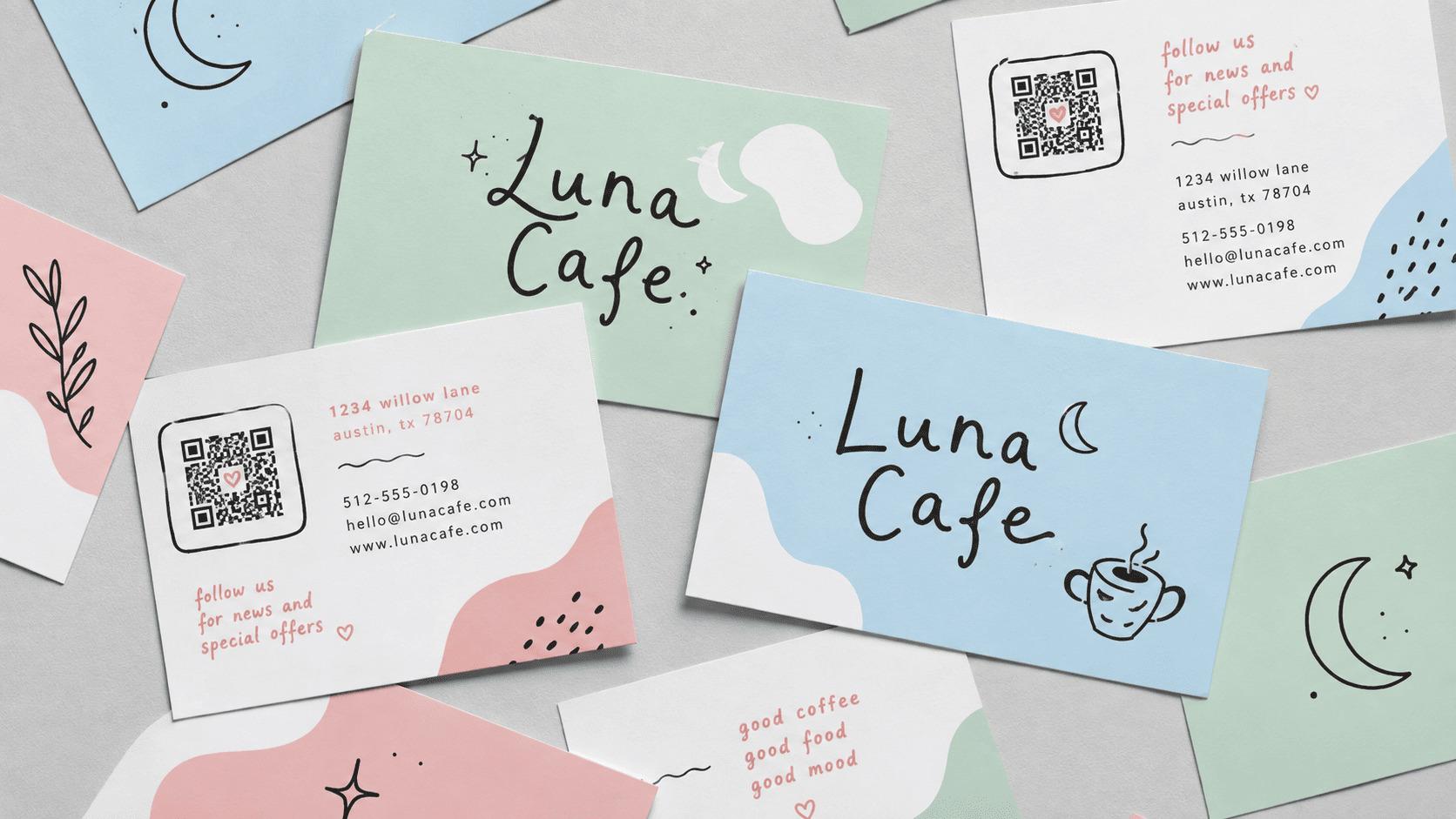
Our QR code generator makes it very simple to choose a custom color scheme,
frame style, and background. You can even integrate your business logo into the
QR code.
Is there a limit to how many dynamic QR codes I can generate and
manage?
Nope! The only thing limiting the number of QR codes you can create and edit on
our platform is your imagination.
How can I add my business logo to a QR code?
You can add your business logo by uploading it
during the customization process in our QR code generator.
Can customers scan a QR code from my website?
Yes — you can add QR codes to your website and many other locations. Print them
on paper, integrate them in your email signature, use them on your social media
pages, etc.
How do people scan QR codes?
Nearly all smartphones scan QR codes automatically within the camera app. If
this doesn’t work for you, simply download an app that reads QR codes.
How can I print my QR code?
Simply download your QR code in your chosen file format and either print it from
your computer or use it in marketing materials. No matter how you print or save
them, your QR codes will export in the highest possible resolution.
Can dynamic QR codes track usage data?
This is one of the most valuable aspects of dynamic QR codes. Our platform
tracks when, where, and how people scan your QR codes — you can either view the
analytics in your user dashboard or export this data to Excel and other programs
if you want to do further data analysis.
Do dynamic QR codes track scan counts?
We diligently track how often every QR code is scanned, in addition to tracking
data about how, when, and where each scan occurs.
Start generating QR codes now!
Sign up today and experience everything QR generator.ai has to offer. Expand your company's
reach and attract new customers with our customizable, easy-to-use QR code generator.